⚡ Cut & Go, right in your browser
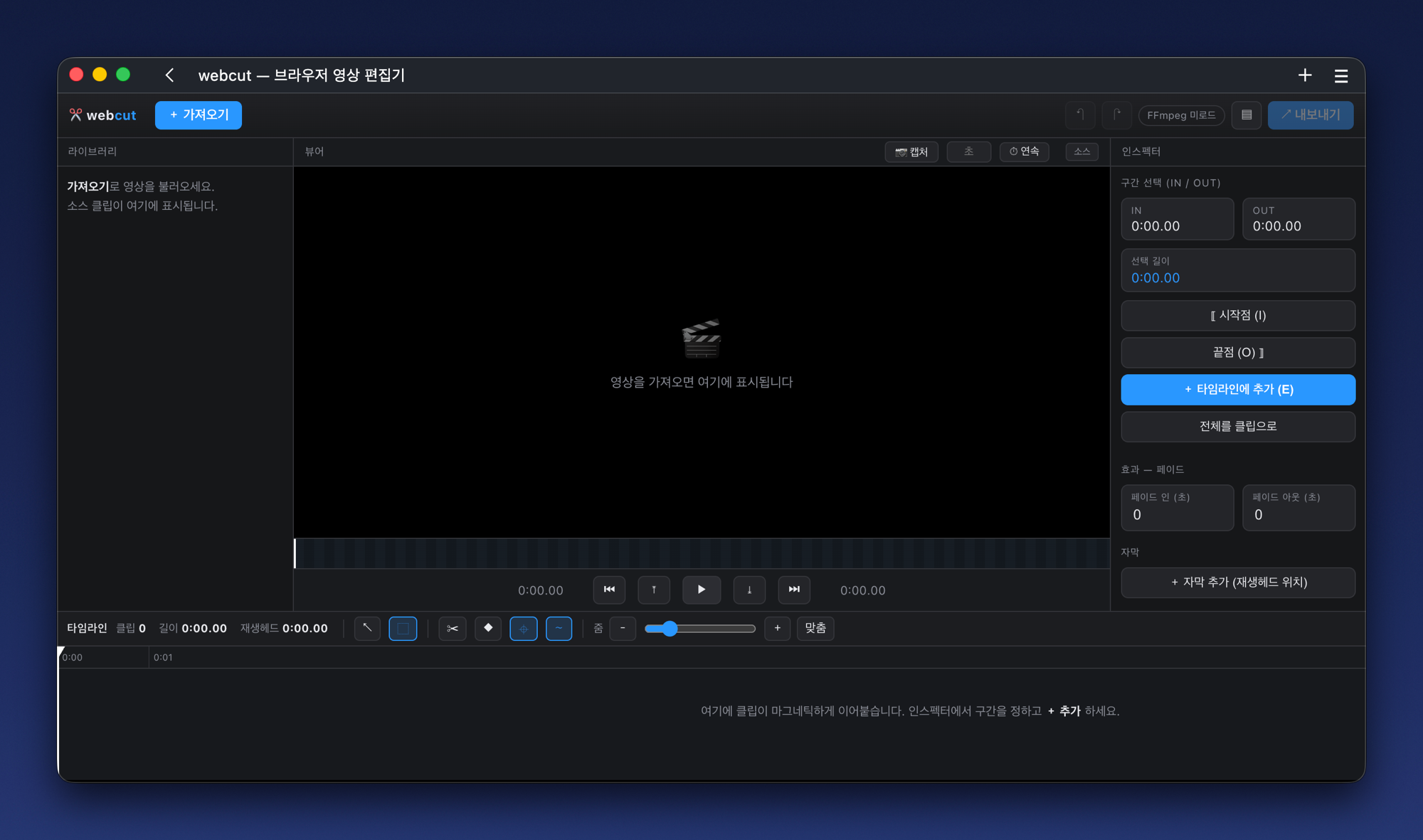
Open it, start cutting
No heavy app. Cut and export right in a browser tab — a blazing-fast web video editor.
No install · No signup · Free · Open source · Desktop browser
No heavy app. Cut and export right in a browser tab — a blazing-fast web video editor.
No install · No signup · Free · Open source · Desktop browser
From cut-and-join to subtitles, image layers and transitions — all on a Final Cut–style timeline.
Trim ranges into clips and stitch them in order. Trim handles, blade, fast copy cut.
Drag on the timeline to keep only a span or delete it. Clips snap together magnetically.
Drag captions onto the video with live preview. Adjust size, color and outline.
Drop PNG/JPG, drag & resize. Animate start→end as a moving route marker.
Dissolve, slide and fade between clips; fade in/out at the start and end.
Program monitor, smooth playhead, zoom, skim and a layer track.
Zero uploads, zero servers. Your video is processed only inside your browser.
Native codecs via WebAssembly. Multi-threaded where cross-origin isolated.
Drag & drop a video, or pick a file. It's not an upload — the browser reads it directly.
Drag to select spans to keep or cut, stitch clips, and check it with the playhead.
One click outputs an mp4 to download. The file never leaves your device.
No cloud uploads, no backend servers. Everything runs inside your browser, so you can edit even sensitive footage with peace of mind.